Category: Desk Setup
Monitors, keyboards, and cables for a desk you use every day.
-
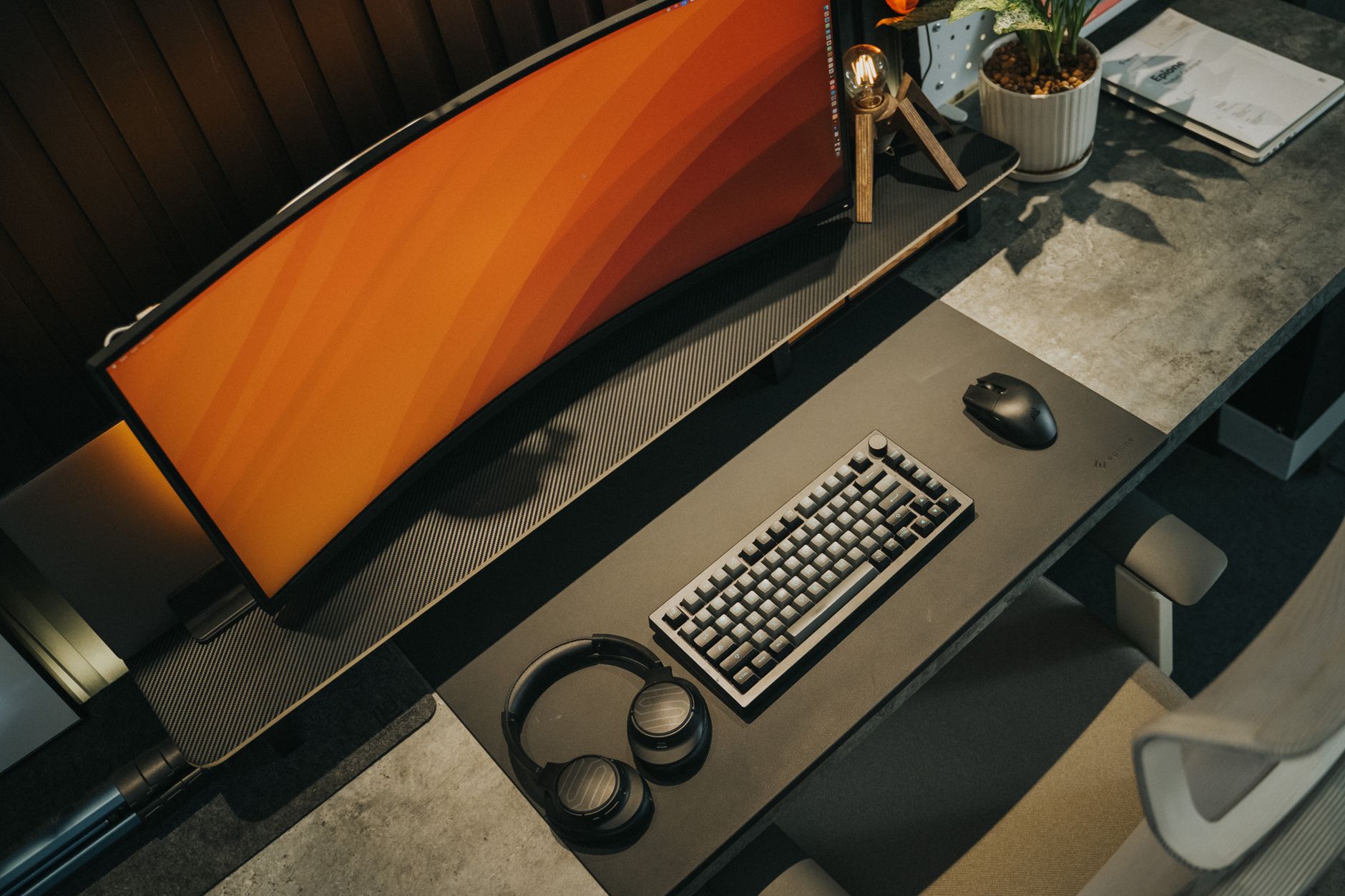
Numpad, Tenkeyless, or Smaller: Choosing a Keyboard Layout by What Your Hands Do All Day
A layout guide for office keyboards that starts from your actual work — numeric entry, text editing, and function-row shortcuts — instead of from how the board looks on a desk.
-
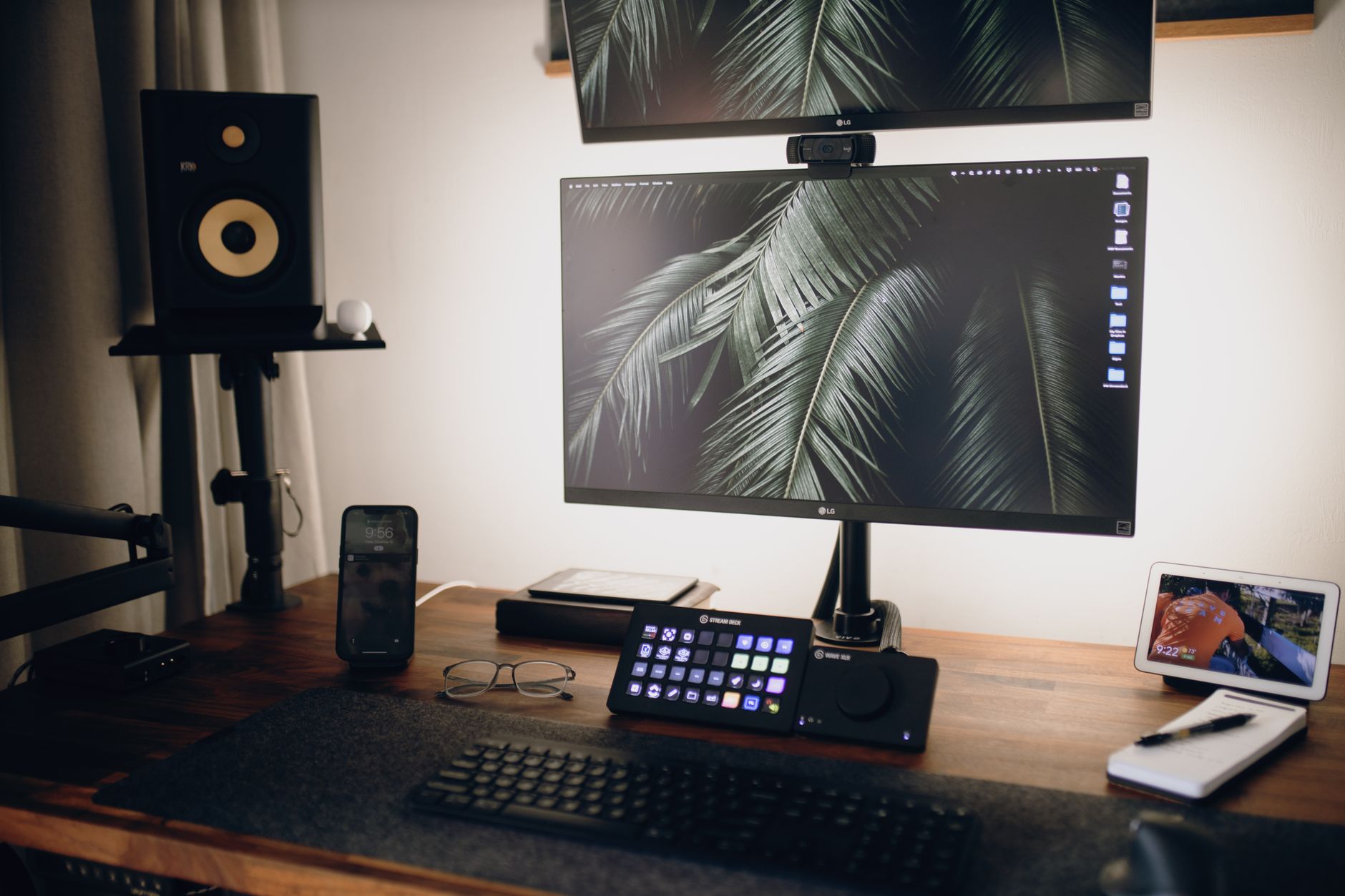
Dock, Hub, or Monitor: Three Ways to Land a Laptop on a Desk and What Each One Drops
A full docking station, a bus-powered USB-C hub, and a monitor with a built-in hub all promise one-cable desk setup. They differ in what they give up: laptop charging, display headroom, wired…
-
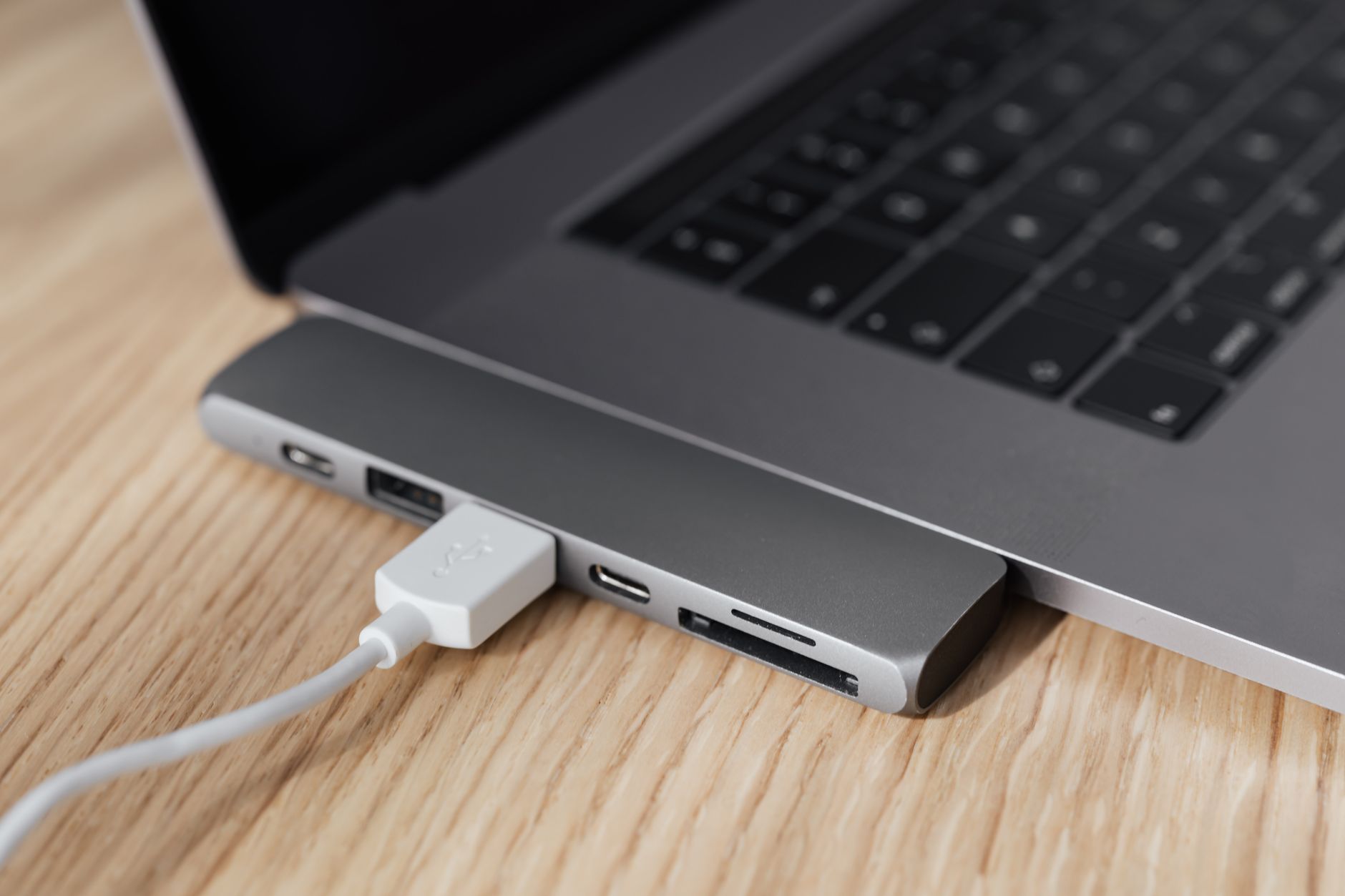
The One-Cable Desk: What Actually Has to Be True Before It Works
A single cable that carries display, peripherals, network, and charging only works if your laptop’s port supports every link in that chain. Here’s the checklist to run against your own machine before…
-

Quiet, Tactile, or Fast: Picking Keyboard Switches for a Room With Other People In It
A room-first way to choose mechanical keyboard switches for an office: what “silent” actually dampens, what it costs in feel, and which type fits a shared desk, a call-heavy home office, or…
-
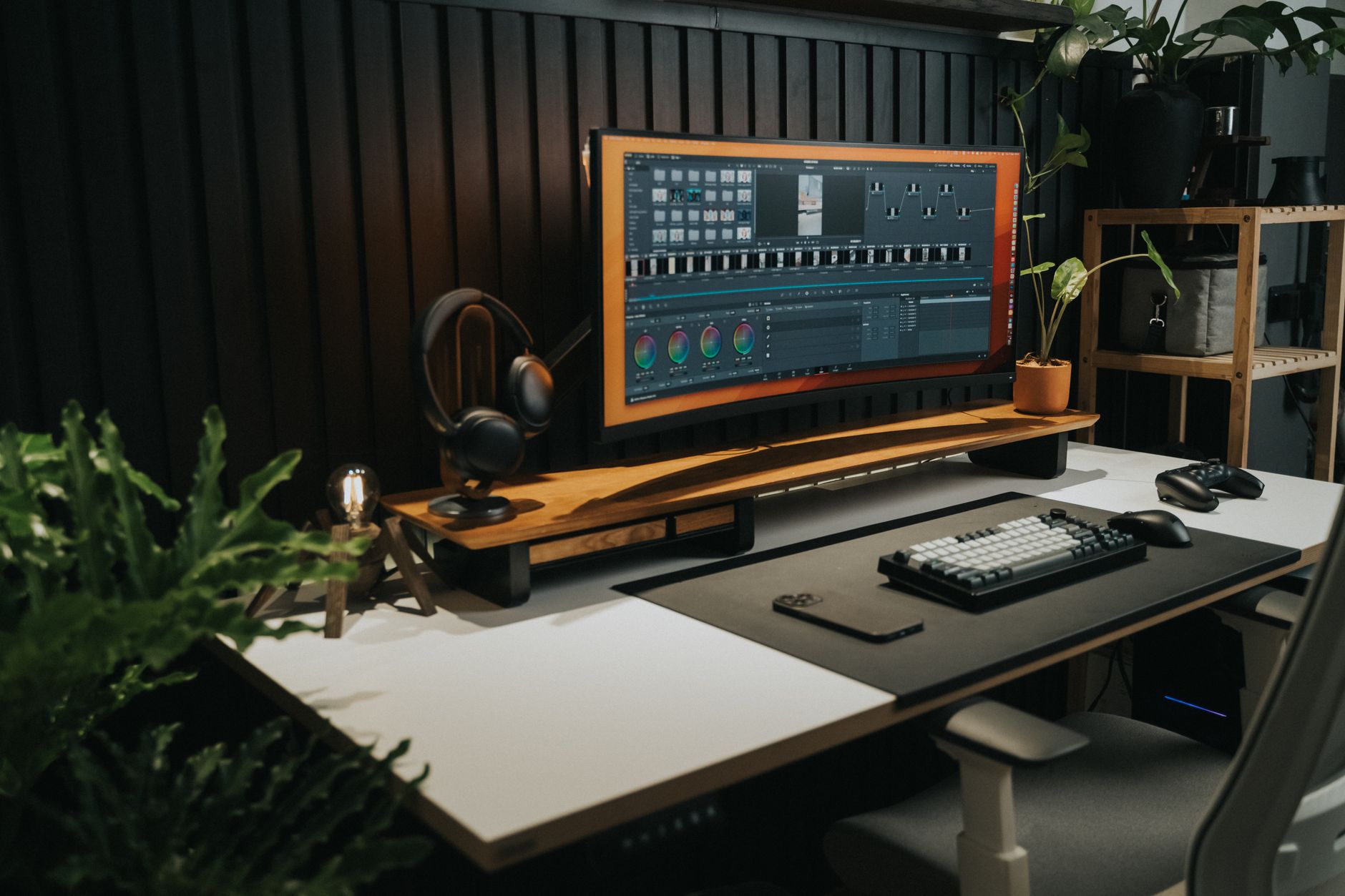
One Ultrawide or Two Monitors? The Question Is How You Switch Tasks
Two monitors and one ultrawide solve the same problem in opposite ways: a physical boundary you can feel versus one continuous surface with software-managed boundaries. Decide it by how you switch tasks,…