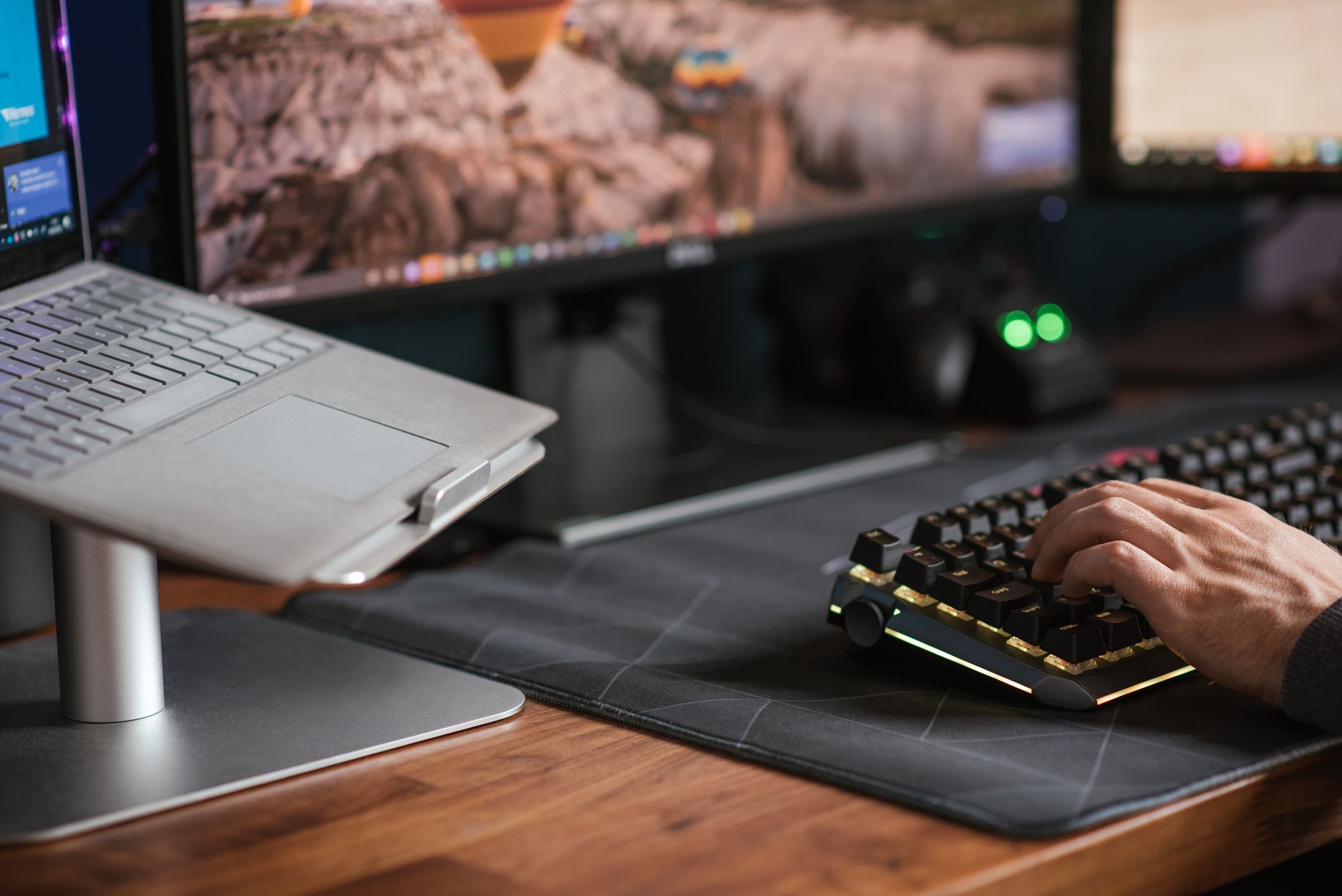
Switch shopping tends to start with adjectives — thocky, clacky, creamy, snappy — none of which you can hear through a product page. If you are buying a keyboard for an office, a more answerable question is what the room will tolerate, and what you are willing to give up in feel to get there. That turns switch choice into a constraint problem, which is much easier to solve than a taste problem.
This is for people choosing their first mechanical keyboard for work, or replacing one that turned out to be louder than the room allows.
The verdict, up front
- Desks within earshot, no barrier: a silent linear or silent tactile switch, and keep the loud parts of the board (stabilizers, case) in mind too. The switch alone does not decide how the keyboard sounds.
- Home office, lots of calls: a regular tactile switch is usually workable if your microphone is on a headset or boom pointed at your mouth rather than sitting on the desk. Silent tactile if your mic is on the desk.
- Room to yourself: pick on feel. This is where clicky switches belong, if you like them.
- You cannot test before buying and the room is shared: silent linear is the low-regret option. It gives up the least when you dislike it, because there is no bump you were counting on.
Start with the room, not the switch
Three questions decide almost everything else:
- Who hears it? Someone at the next desk hears the keyboard directly. Someone on a call hears whatever your microphone picks up. These are different problems with different fixes.
- What is between you and them? A partition, a different room, or nothing.
- How hard do you type? A heavy typist bottoming out every key on a stiff board will out-shout a light typist on a clicky one. Your own technique is part of the equation.
Only after that does the switch type matter.
The types, briefly
Linear
Where the noise comes from. Bottom-out and the upstroke return
Feel. Smooth all the way down, no bump
Room it suits. Private room; shared room only if you type lightly
Silent linear
Where the noise comes from. Same impacts, dampened by pads on the stem
Feel. Smooth, with a softer end to the travel
Room it suits. Shared desks, desk-mounted mics
Tactile
Where the noise comes from. Bottom-out, upstroke, and the bump itself
Feel. A bump partway down that signals the key registered
Room it suits. Home office, private room
Silent tactile
Where the noise comes from. Same, with the impacts dampened
Feel. Bump present but usually rounded off
Room it suits. Shared desks where you still want feedback
Clicky
Where the noise comes from. A dedicated click mechanism, plus the impacts
Feel. Bump paired with an audible click
Room it suits. Rooms where nobody else is listening
Electrocapacitive (Topre-style)
Where the noise comes from. Dome collapse and bottom-out
Feel. A dome-over-spring press that feels different from either linear or tactile
Room it suits. Depends on the model; silenced versions exist
Linear switches travel straight down with no bump. Nothing about that makes you type faster on its own — some people prefer them for rapid repeated presses, and some type worse without the feedback. Treat "fast" as a preference, not a spec.
Tactile switches have a bump you can feel as the key registers. Many people find it easier to type accurately without bottoming out hard, which is also the typing style that makes any board quieter.
Clicky switches produce their click with a separate mechanism inside the housing — a click jacket or click bar built to be heard. It is the point of the design, not a side effect, so it is not something a dampener or a case mod removes. If the room is shared, this is the one category to rule out first.
Electrocapacitive switches (the Topre design and its equivalents) use a rubber dome over a conical spring and register without metal contacts touching. They feel distinct enough that liking or disliking mechanical switches tells you little about how you will feel about these. Some models ship with silencing rings from the factory.
What "silent" actually changes
A silent switch has small dampening pads on the stem. They sit where the stem strikes the housing, so they soften two specific impacts:
- the downstroke, when you bottom the key out
- the upstroke, when the key snaps back to rest
That is the whole mechanism. It is worth knowing because it tells you what silencing cannot touch:
- Stabilizers on the wide keys — space bar, shift, enter. On many boards these rattle more than the switches click.
- Case resonance. A hollow plastic case amplifies whatever the switches do.
- Your fingertips hitting the keycaps. A hard, fast typist makes a sharp tapping sound that has nothing to do with the switch.
- Sound going into the desk. A board sitting on bare wood transmits into the surface; a desk mat under it changes that.
So "silent" is really "the two loudest switch-level impacts are muffled." That is a meaningful reduction, and it is not silence. If you are picturing a keyboard nobody notices, budget for the rest of the board too: a mat under it, and stabilizers that do not rattle.
What it costs in feel
The pads that absorb the impact also sit between you and the bottom of the travel. Common trade-offs people report:
- A softer, cushioned bottom-out. Some read this as pleasant; others as mushy, with no clear floor to the keypress.
- A less crisp return. The upstroke pad damps the snap back as well as the sound.
- A rounded bump, on silent tactile switches. The tactility is still there, but it is often less sharp than the unsilenced version of the same switch.
None of that is a defect. It is the direct consequence of the mechanism, and it is why "silent" and "best feeling" are usually different picks. Decide which one the room lets you optimize for.
If the problem is calls, not neighbors
A microphone changes the calculation. What your colleagues hear depends heavily on where the mic is and what it is pointed at:
- A headset or boom mic near your mouth picks up much less of the desk than a mic lying on it.
- Moving the keyboard out of a desk mic's pickup direction helps before any switch swap does.
- Noise suppression in conferencing software is generally tuned for steady background sound like fans or air conditioning. Sharp, short transients like keystrokes can still come through.
If calls are the only constraint, fix the mic first. It may be cheaper than a new keyboard, and it will help with every other desk noise too.
How to decide
- Name the room and who hears you. If nobody does, skip to feel.
- Rule out clicky if anyone does.
- Pick tactile or linear on feel, not on speed claims.
- Add "silent" only if step 1 requires it, knowing you are trading some crispness for it.
- Handle the rest of the noise separately: desk mat, stabilizers, and easing off the bottom-out.
Who should skip this
- You already type on a low-profile laptop-style keyboard and like it. Those are quiet by construction. Moving to mechanical switches to get quieter is the long way around.
- Your office has a stated noise policy or a colleague who has already said something. Do not optimize; take the quietest option available to you and move on.
- You mainly game in a private room. The constraint this article is built around does not apply to you, and switch choice is purely preference.
- Your current keyboard is fine. A rattling space bar and a desk mat are a smaller intervention than a new board.
The next thing to do
Type on the switches before you commit. A switch tester with a few of the candidates on it, or ten minutes on a display board in a store, tells you more than any description of sound. If that is not possible and the room is shared, start with silent linear and fix the rest of the board's noise before you decide the switch was the problem.