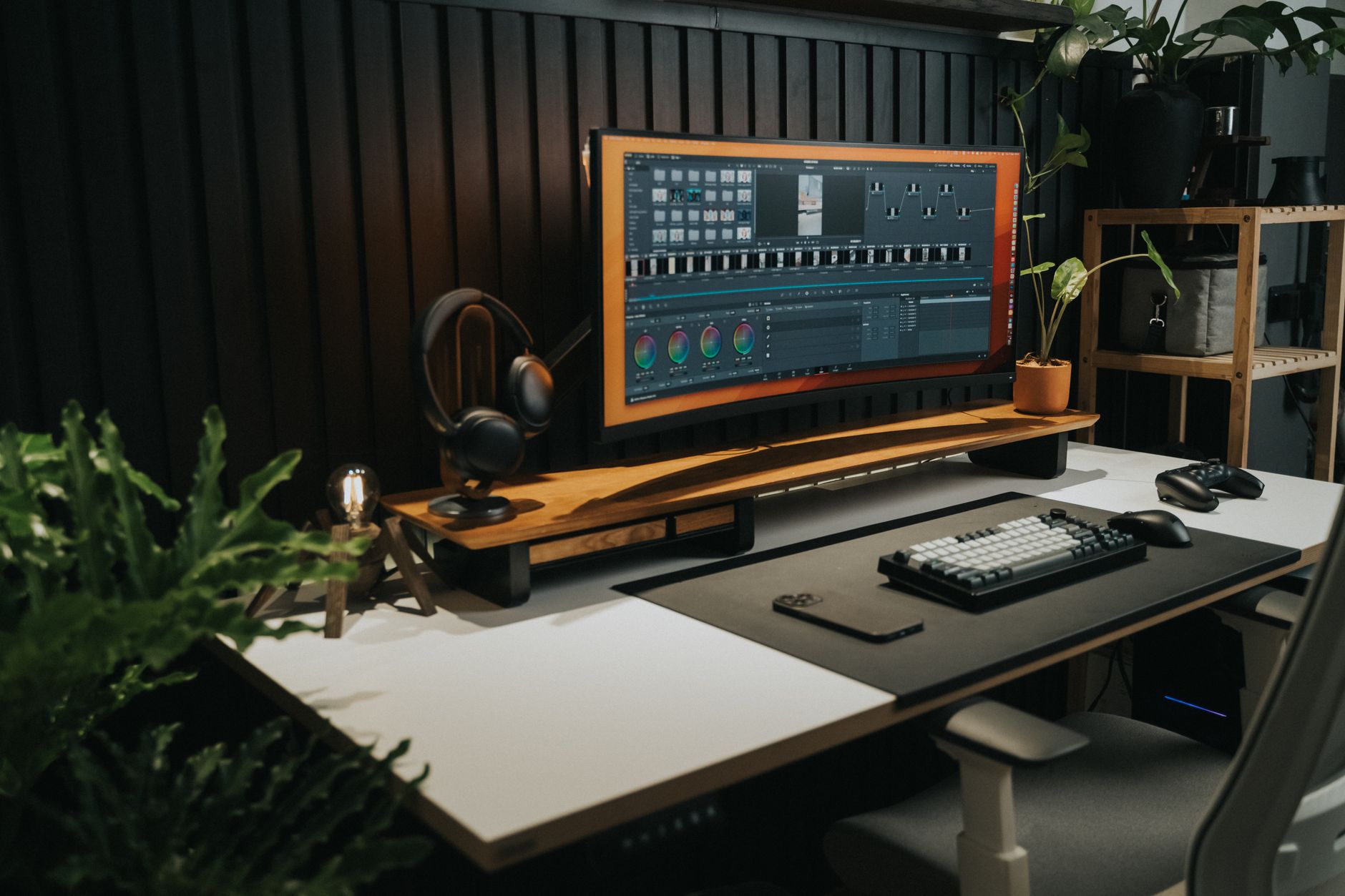
Two monitors or one ultrawide is argued as a hardware question — pixels, desk space, price. It settles faster as a workflow question: what happens at the moment you switch tasks. Two screens give you a boundary you can feel and a position that stays put. An ultrawide gives you one continuous surface where the boundaries are drawn by software. Answer which of those you need, and the hardware picks itself.
The verdict
If your day is a constant switch between full-size apps — editor, browser, terminal, chat, each one wanting the whole window — two monitors give you something an ultrawide has to simulate: a seam you can feel, in a spot that doesn't move. Your mail lives on the right panel, maximized, and you stop hunting for it.
If your day is one work surface with one reference held open beside it, or your main app is a wide one, an ultrawide gives you that layout without a bezel down the middle of the thing you're reading.
If neither sounds like you — you work in one app at a time and rarely keep a second window in view — a single good monitor is enough, and the money is better spent on the chair or the desk.
Side by side
| Two monitors | One ultrawide | |
|---|---|---|
| Where the boundary comes from | The bezel: physical, fixed | Software: OS window snapping, a tiling utility, or manual placement |
| Switching between two full apps | Eye or head movement; window positions stay where you left them | Smooth if your snap zones are set up; window management if they aren't |
| One wide app (timeline, many-column spreadsheet, side-by-side diff) | Split by the bezel, unless you keep it on one panel | Runs across the whole surface |
| Sharing your screen on a call | Share one display; the other isn't in the share | Share a single window, or viewers get one wide strip |
| Mounting | Two stands, or an arm per panel; each aims independently | One mount rated for the panel's weight — check weight and VESA size on the product page |
| Cabling | One input per panel | One input for the whole surface |
| Rotating a panel to portrait | Available on one of them | Not applicable |
The bezel is a feature, not a defect
The usual complaint about two monitors is the gap. That gap is doing work.
It gives each app a fixed address. Maximize one thing per panel and switching becomes a glance and a cursor throw, not a search through overlapping windows. You build a physical memory of where things are, and physical memory survives the moments when your attention doesn't.
It also contains things. A video call maximized on the left panel leaves the right panel exactly as you had it. A screen share can cover one display while your notes stay off camera.
The costs are real. Center a matched pair and the seam lands in front of you, so either you accept a gap at your midline or you make one panel primary and sit square to that one instead. Anything wider than a single panel gets cut. You need two mounting points and two inputs from the machine.
One continuous surface is also a feature
An ultrawide's argument is what it doesn't interrupt. A timeline, a spreadsheet with a lot of columns, two files diffed side by side — these stay whole. Nothing important lands on a seam.
It also lets you choose column widths instead of inheriting them. Chat narrow on the left, work wide in the middle, reference on the right, at proportions you set. Two panels give you two widths, and they're decided by the panels.
The cost is that the boundaries only exist if you enforce them. Snap zones from your OS, or a tiling utility, or the discipline to place windows by hand. Without that, windows drift into overlapping each other and you're back to hunting through a stack — the exact problem the extra width was supposed to solve. Full-screening an app takes the entire surface, which is either what you wanted or a small disaster. And on calls, sharing the whole display hands everyone a wide strip that gets small on their end; sharing a single window avoids that.
So: how do you actually switch?
Think about your longest block of focused work and which pattern it follows.
Task switching. Each task wants a whole application, and you move between them repeatedly. Write, check something, reply, come back. Here, fixed addresses beat flexible widths. Two monitors.
Reference and work. One thing you read from, one thing you produce in, both open for the length of the session. A document beside a draft, a design beside the code, a call beside your notes. Here, continuous width beats a fixed seam. Ultrawide.
Mixed days lean toward whichever pattern occupies your deepest hours, not whichever one happens more often.
Practical tiebreakers
- Desk depth. A wide panel sitting close means turning your head to reach its far edges. If you can't push it back, width you can't comfortably see isn't width you'll use.
- What your machine and dock support. Check the number and type of displays your laptop and dock can drive before you decide. This constrains the choice more often than budget does.
- Upgrade path. Two monitors can be bought one at a time, and a mismatched pair still works — a second-hand panel for reference beside your good one is a legitimate setup. An ultrawide is one purchase.
- Portrait. If you read long documents, logs, or code, rotating one panel upright is something only the two-monitor setup offers.
Who should skip this
- You work in one app at a time. One good monitor, positioned well. Adding surface area to a single-app workflow adds places for distraction to live.
- You already run a laptop screen next to a monitor. You're already in the two-surface pattern. Try assigning fixed apps to each screen for a couple of weeks before spending anything — you may find the problem was placement, not pixels.
- You want fewer things on screen, not more. Neither purchase fixes that, and both make it easier to keep more open.
- Your desk is shallow and fixed. Depth constrains how much width you can use. Solve the desk first.
The next action
Before you buy either one, watch yourself through one full working day and note what you do at each switch: did you need a different app, or a different part of the same wide thing? That single note decides it. Different app, repeatedly — buy the second monitor. Different part of one wide surface — buy the ultrawide, and set up your snap zones the same day it arrives.