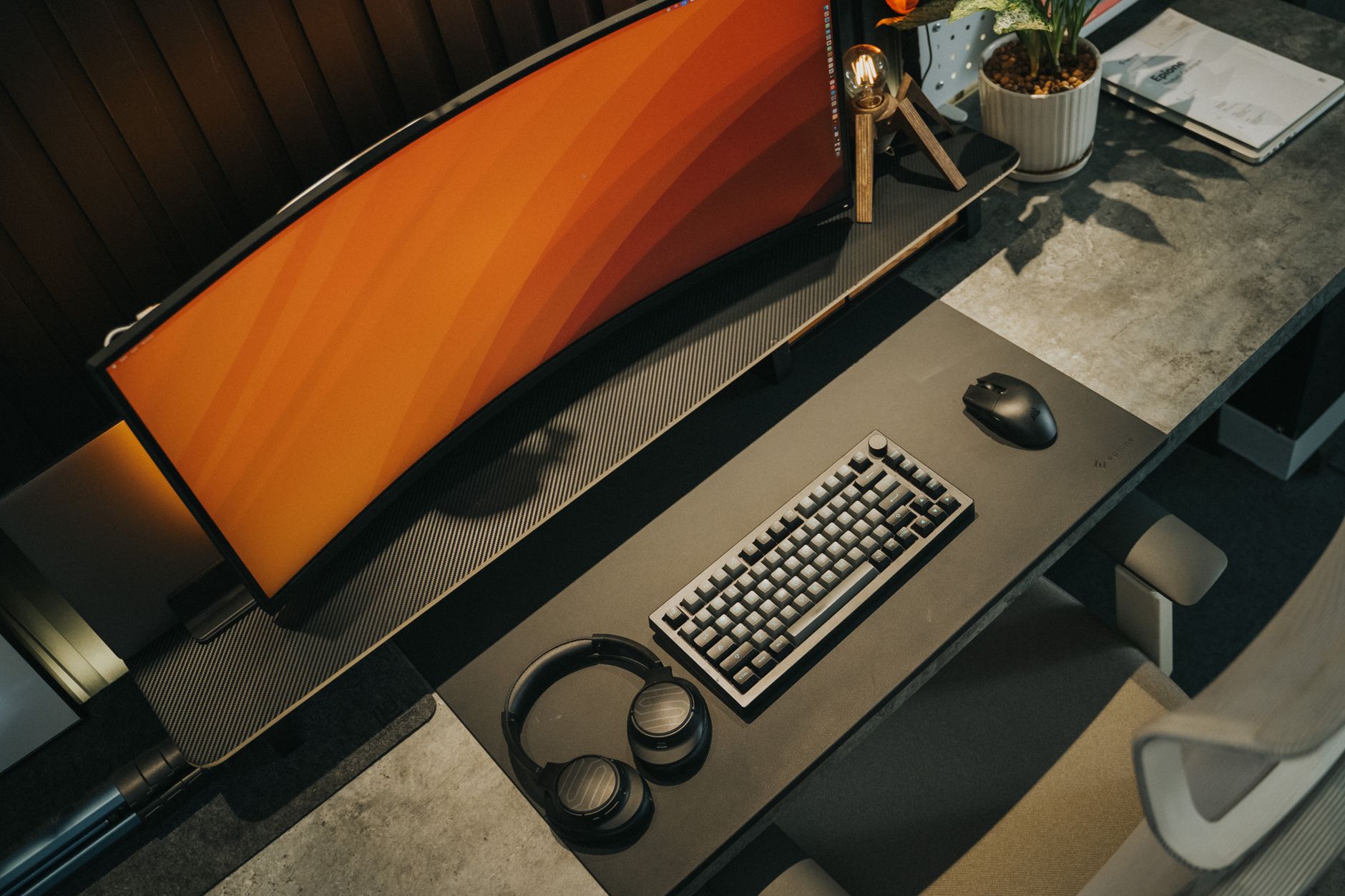
Keyboard layout is usually sold as a look: the clean small one, the serious big one. That's the wrong input. The layout you want falls out of three questions about your day — how much you type numbers, how much you edit text, and how many of your shortcuts live on the function row. Answer those and the choice mostly makes itself.
This is for people picking a mechanical keyboard for office work, not for a collection.
The verdict
- You enter numbers in columns most days — bookkeeping, invoicing, data entry, heavy spreadsheet work. Keep the numpad, or buy a separate one you can place where you want it.
- You use the mouse constantly and your desk is narrow. Go tenkeyless. It's the change that moves your mouse hand in the most, for the least relearning.
- You edit text all day — writing, code, long documents. Keep dedicated arrow keys. That puts you at tenkeyless, 75%, or 65%.
- You want smaller than that. Fine, but budget for the relearning. Below 65% you are trading muscle memory for desk space, and the bill comes due on the days you're busy.
What each layout keeps
| Layout | Keeps | Gives up |
|---|---|---|
| Full-size | Numpad, F-row, arrows, nav cluster | Desk width |
| Tenkeyless (TKL) | F-row, arrows, nav cluster | The numpad |
| 75% | F-row, arrows, partial nav | Spacing between clusters |
| 65% | Arrows, a few nav keys | The function row |
| 60% | Letters and modifiers | Arrows and F-row |
Key counts vary between boards even within the same label, so check the layout diagram on the product page rather than trusting the percentage.
Start with the numpad question
The numpad is the only cluster that some people use as a primary input device rather than an occasional one. If you enter figures by touch — hand parked on the 4-5-6 row, eyes on the source document — a row of number keys above the letters is not a substitute. That's not a preference, it's a different motion.
The catch is width. The numpad sits between your right hand and your mouse, so a full-size board pushes the mouse out to the right by roughly the width of that cluster. On a narrow or shallow desk, that's the difference between a mouse in front of your shoulder and a mouse out past it. It's also the reason so much office-keyboard advice starts with "go tenkeyless" — for someone who types numbers a few times a week, the numpad is paying rent in the best real estate on the desk.
There is a third option people forget: a tenkeyless board plus a standalone numpad. You get the number cluster when you need it, you can put it on the left of the keyboard so your mouse stays close, and it goes in a drawer the rest of the time. It costs you two devices to buy, charge or plug in, and keep aligned.
Then the arrows
Arrow keys are the second thing to check, and for text-heavy work they matter more than the numpad. If your day is writing and revising — moving the cursor, selecting by word, jumping between lines — you reach for arrows constantly, often while holding shift or ctrl.
That's what makes layered arrows awkward on the smallest boards. A layer means a key you hold to make other keys do something else, usually HJKL or the cluster around it. Holding a layer key while also holding shift to extend a selection is a more contorted grip than pressing shift and an arrow. Some people adapt to it completely. Others go back. If you already use vim-style motion keys in your editor, you're closer to the first group than the second.
65% is the compromise most editing-heavy people land on: dedicated arrows, no function row.
The function row is where compact boards actually hurt
Losing the F-row is the change people underestimate, because you don't notice how many of your shortcuts live there until they move.
On a 65% or 60% board, F1 through F12 sit behind a layer. Pressing them still works — it's just two hands and a moment of recall instead of one finger. That's fine for something you use weekly. It's friction for something you use in a rhythm: renaming and editing in spreadsheets, stepping through a debugger, refreshing, mute and camera toggles in meeting software, and whatever your particular tools have bound up there.
Before you buy a board without a function row, spend a day noticing which F-keys you actually press. If the answer is one or two, remap them somewhere comfortable and move on. If it's a handful you press without thinking, keep the row.
Two things to check on the product page
Remapping. A compact layout is much easier to live with when you can move keys around — putting the layer key where your thumb already rests, or binding a nav cluster to keys you can reach. Some boards let you remap in software or firmware; some are fixed. This is worth confirming before you order, because it's the difference between "learn this layout" and "shape this layout to you."
Keycap fit. Smaller boards often use nonstandard shift, backspace, or bottom-row sizes to squeeze clusters together. That's invisible until you want a different set of keycaps and find that the ones you like don't include the sizes your board needs. If custom keycaps matter to you, check the layout kit compatibility listed for the board.
Who should skip this
If you type on a laptop most of the day and the external keyboard is for occasional desk sessions, layout hunting is a low-value project. Something close to your laptop's arrangement will feel better than an unfamiliar compact board, whatever its merits.
If you already own a full-size keyboard and your desk is wide enough that the mouse falls under your hand comfortably, there's no problem to solve. Space on the desk is only worth buying when you're short of it.
And if you're choosing a smaller board mainly because it photographs well, be honest about that trade. It's a legitimate reason to like an object. It's a bad reason to make F2 a two-handed operation.
The next step
Work at your current keyboard for one day with a note open. Every time you use the numpad, an arrow key, or a function key, make a mark. At the end of the day you'll have the three numbers that decide this, and they'll be yours rather than someone else's.